 eOctavo

Four in a Row
eOctavo
Games · Includes artwork
Drop discs, line up four, and outwit a sharp computer.
About this app
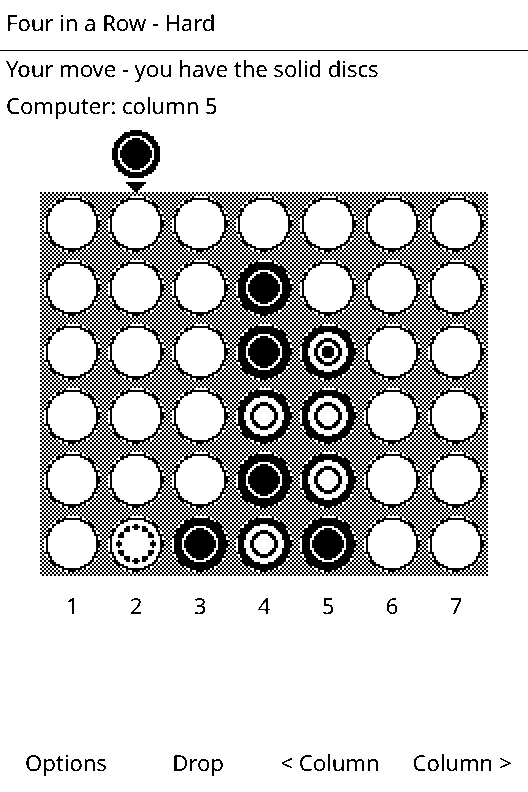
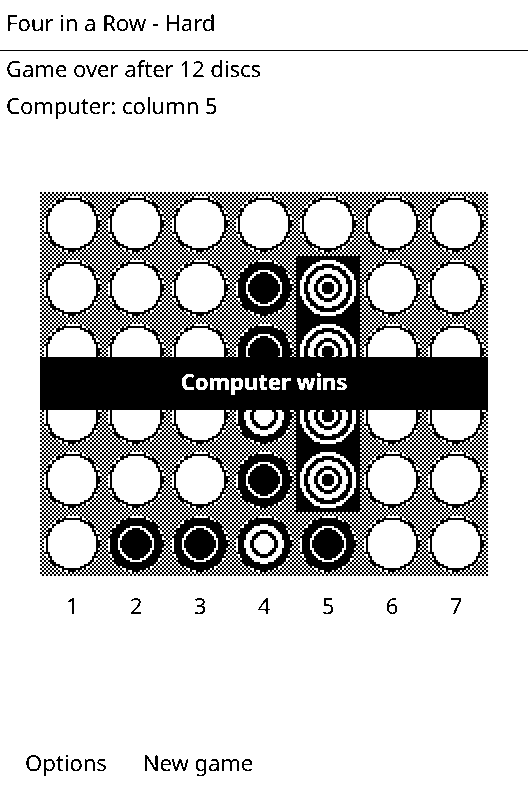
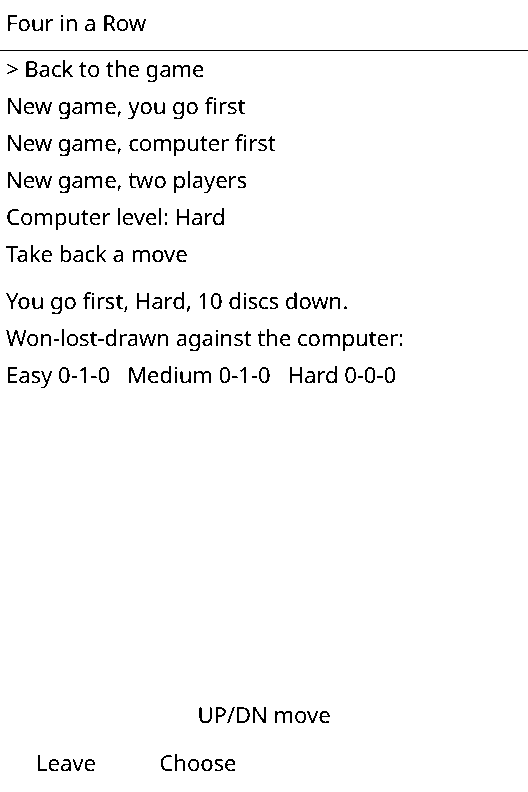
Seven columns, six rows: drop solid or ringed discs and get four in a line first. The winning four is highlighted. Play the computer at Easy, Medium or a tough Hard, or a friend. Take back moves; game and record are saved.
Updated Oct 8, 2026
GamesWhat's new
Version 1.1
Touch controls on the X4 Pro: tap a column to drop a disc. Buttons work just as before.
Data safety
Never goes online.
Keeps its progress in its own save slot on the SD card.
Apps run in a sandbox: no access to your books, notes, contacts or other apps.
Updates on a timer while it's open, which uses a little more battery.
Install on your device
- Connect to Wi-Fi (Settings › Wi-Fi).
- Open Store on the home screen. Not there yet? Scroll to the bottom and choose Check for new apps.
- Pick Four in a Row, press or tap OK, then OK again to install. It goes in the Games folder on the home screen.
No Wi-Fi? Download fourinarow.lua and fourinarow.art above and copy them into the apps folder on the SD card. On an X4 Pro you can also copy them over with USB drive.
App info
- Version
- 1.1
- Updated
- Oct 8, 2026
- Size
- 11 KB
- Files
- fourinarow.lua, fourinarow.art
- Made by
- eOctavo
- Requires
- eOctavo on an Xteink X3 or X4 Pro